Messages
Customise the in-game MOTD and kick messages shown to players.
The Messages tab lets you customise every player-facing text that Infinity-Filter sends — the MOTD when your backend is offline, the kick screens for mitigation and filtering, the antibot challenge prompt.
Where to find it
Open Network → Settings → Message.
The page has a horizontal sub-nav: General (default), Mitigation, Filtering, Anti-Bot, Offline.
General
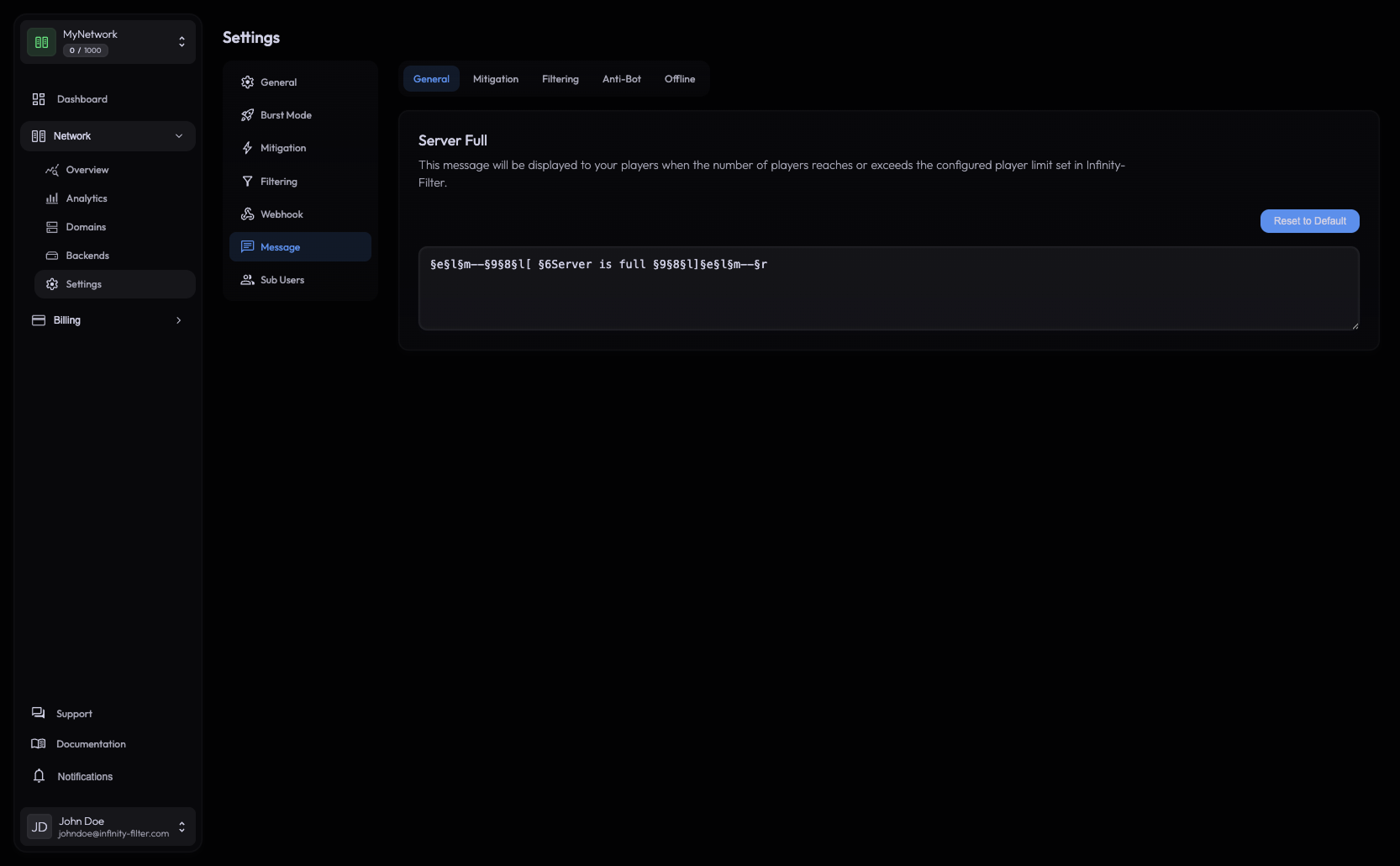
Holds the global defaults — the messages Infinity-Filter uses when no more specific category applies.
Mitigation
The kick message shown to non-whitelisted players when Under Attack mode is on. Typical content:
“The server is under attack. Only whitelisted players can connect right now — try again later.”
Setting context: see Mitigation.
Filtering
The kick message shown when a connection is rejected by:
- Country filtering
- ASN filtering
- Anti-VPN
- Per-IP whitelist mode (when active but the IP isn’t whitelisted)
Typical content:
“Your IP is not allowed to connect. If you think this is a mistake, contact us on Discord: discord.example.com”
Anti-Bot
The message shown when the antibot rejects a connection (typically the please rejoin prompt for Default mode, or the please complete the challenge prompt for Hardcore mode).
Typical content:
“Please rejoin to verify you’re not a bot.”
Offline (MOTD)
The MOTD shown to players pinging the server when your backend is unreachable. Activate from Settings → General → Offline MOTD.
Useful content:
- Maintenance window: “Server is down for maintenance — back at 18:00 CET.”
- Wipe notice: “Wipe in progress. Server reopens at the announced time.”
- Permanent message: “Look up our Discord at discord.example.com for status updates.”
The MOTD supports Minecraft colour codes (e.g. &a for green, &l for bold). The preview in the panel shows how it renders in the client’s server list.
Colour codes
Most messages support legacy &-prefixed Minecraft colour codes. Common ones:
| Code | Color |
|---|---|
&0 | Black |
&a | Light green |
&c | Red |
&e | Yellow |
&f | White |
&l | Bold (modifier) |
&n | Underline (modifier) |
&o | Italic (modifier) |
&r | Reset |
Multi-line MOTDs
The MOTD field accepts \n for a line break, matching the two-line layout players see in the server list.
What’s next
Last updated: May 28, 2026