Sub-users
Give teammates access to a network without sharing your owner account.
A sub-user is a collaborator with access to a single network. Use sub-users to let staff manage settings, mitigation and webhooks without sharing the owner account.
Where to find it
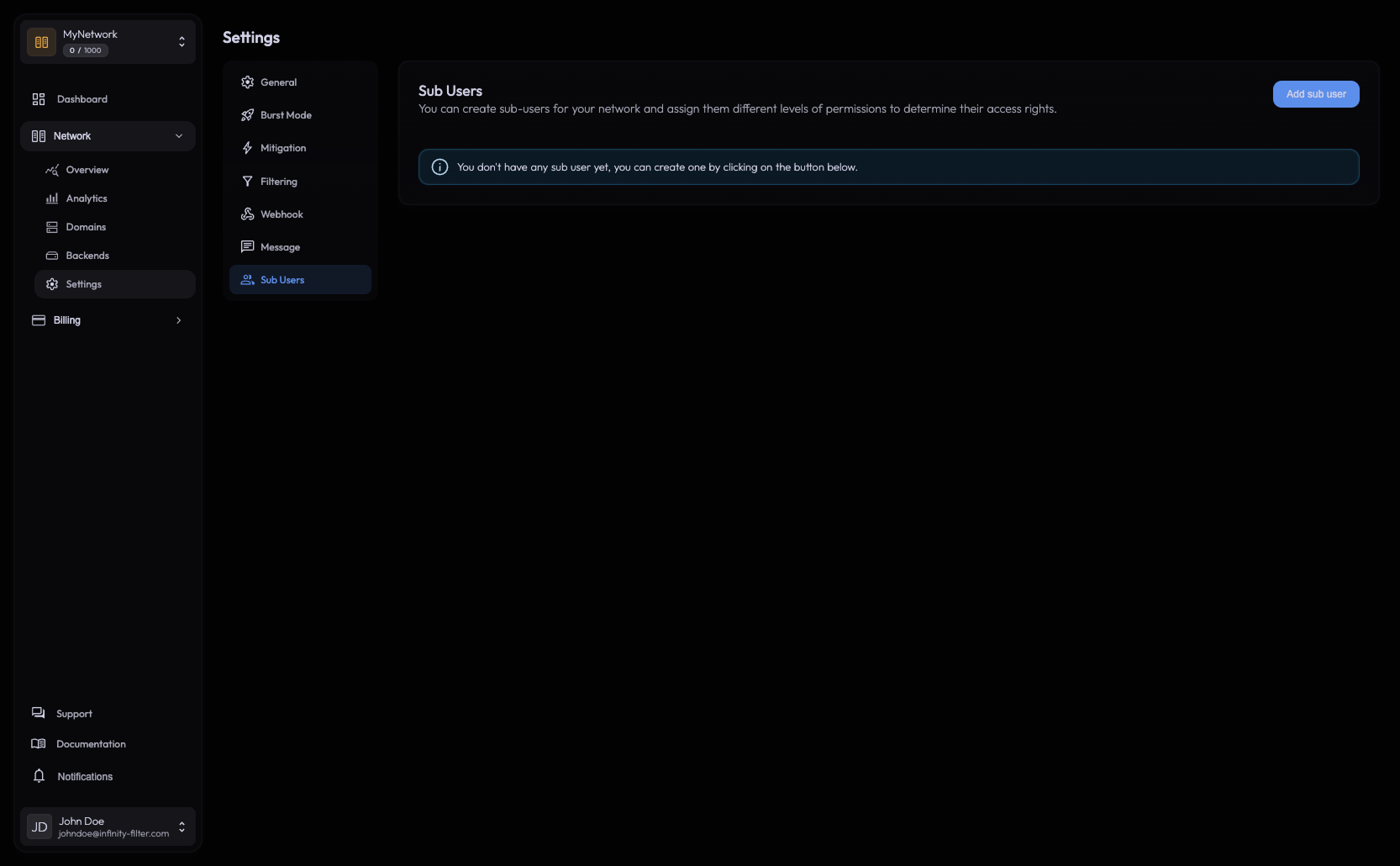
Open Network → Settings → Sub Users.
What sub-users can do
- Read every page of the network they were added to.
- Edit settings (mitigation, filtering, messages, burst, …) on that network.
- Configure domains and backends on that network.
What sub-users can’t do
Pay invoices Only the network owner's account can pay. Sub-users have no billing access.
See other networks Sub-users are scoped to the network they were added to.
Manage the owner's account 2FA, password, sessions, API tokens are owner-only.
Add other sub-users Adding collaborators is owner-only.
Adding a sub-user
On the Sub Users page, type the teammate’s account email and confirm. Their account is added to the network immediately — there is no invitation flow, no email link to click. The next time they sign in to the panel, the network appears in their network selector.
The email you enter must match an existing Infinity-Filter account. If your teammate doesn’t have one yet, they need to sign up first, then you can add them.
Removing a sub-user
From the same page, click the remove icon next to the user. Access is revoked immediately on their next page load.
Why sub-users instead of sharing credentials
- Audit: every action is attributed to the right account.
- Security: if a teammate leaves, you remove their access without changing your own password.
- 2FA: each sub-user has their own 2FA — no shared secret to rotate.
What’s next
Last updated: May 28, 2026