Country filtering
Allow or deny specific countries from connecting to your network.
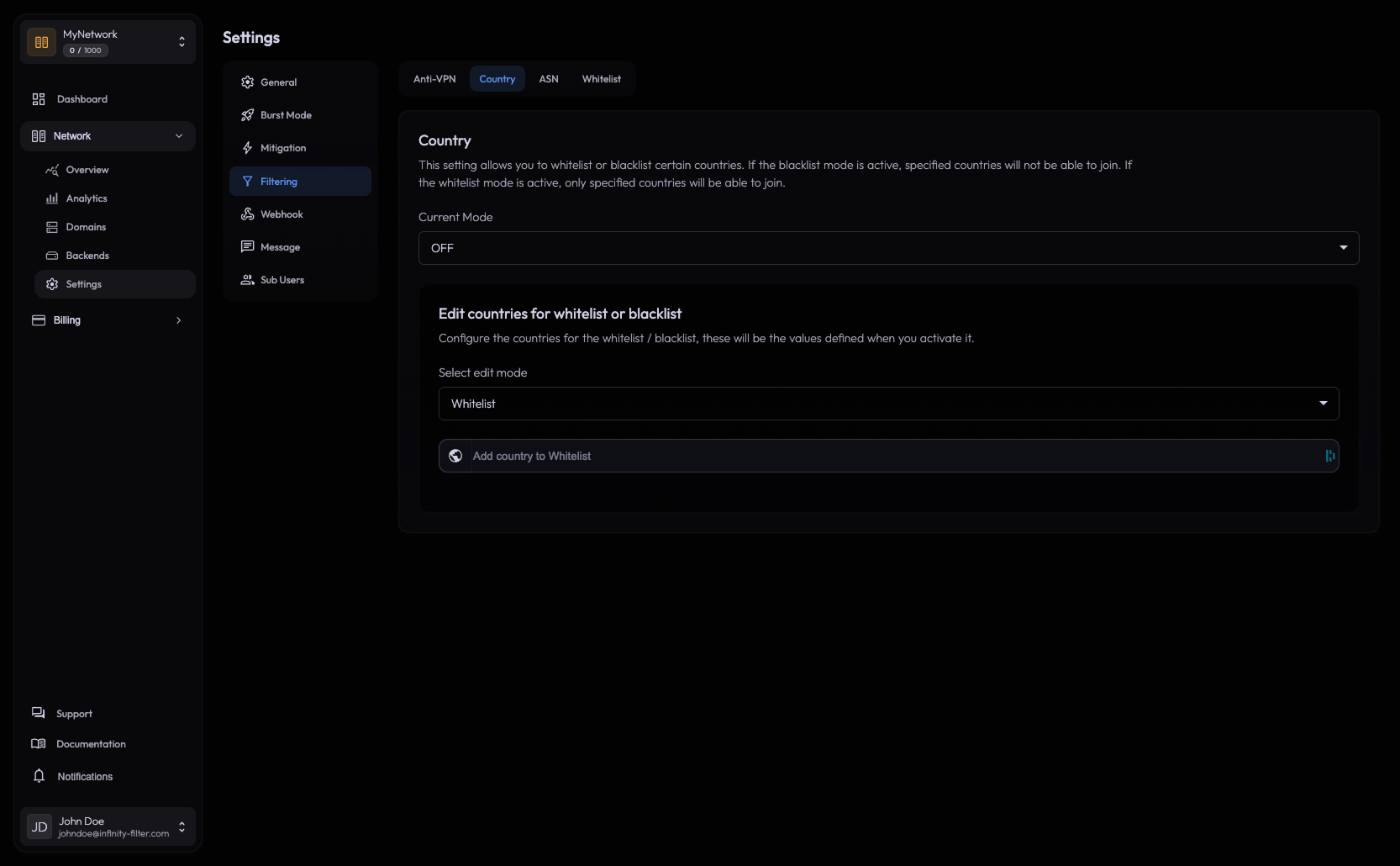
The Country filter lets you allow or deny specific countries at the edge. Useful when you know your audience is regional, when a country is the source of persistent abuse, or when legal/compliance requires it.
Where to find it
Open Network → Settings → Filtering → Country.
How it works
Player IPs are matched against a continuously updated geo-IP database. The country resolves at login; blocked connections are rejected before reaching your backend.
You have two modes per network:
Allow list — only connections from countries on the list are accepted. Everything else is rejected.
Use this when your server is region-specific (e.g. a French-only community).
Deny list — connections from countries on the list are rejected. Everything else is accepted.
Use this to block known abuse sources without locking out the rest of the world.
Granularity
The filter operates at the country level only. To go finer than that, use ASN filtering (per-ISP) or Whitelist (per-IP).
False positives
Country geo-IP is accurate enough for filtering, but not perfect:
- Travelers and expats may resolve to a different country than their nationality.
- Mobile carriers sometimes route through gateways in a different country.
- New IP allocations can be missed by the database for a few days.
If a regular player is incorrectly blocked, add their IP to the Whitelist.
Slow-bot mitigation
Country filtering catches slow bots that fall below the antibot CPS threshold. A bot farm in a country you don’t serve is filtered out at the edge regardless of its connection rate. This is one of the main use cases for country filtering beyond regional targeting.
Customizing the message
The kick message shown to blocked players is configured in Messages → Filtering. See Messages.
What’s next
Last updated: May 28, 2026